
 Editing studio in the football manager – guide
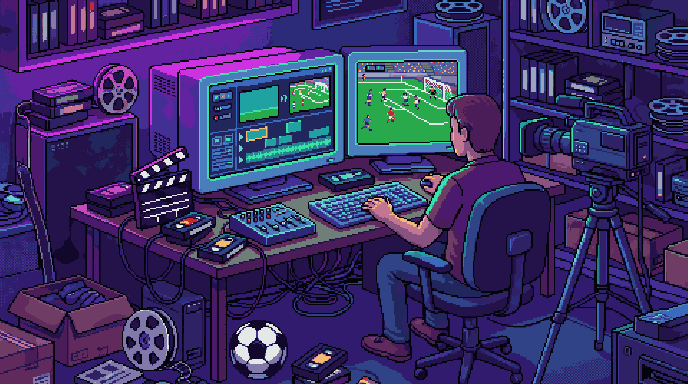
This guide explains the “Editing studio” screen in Gaffer's Desk, the free football manager in your browser. Cut your own video from saved replays - to share with friends or on social media.
Good to know
- Add clips from your replay archive, even from different matches (up to 20).
- For each clip you choose the section, the speed (0.25× to 2×), the camera and a caption.
- Camera: follow the ball, whole pitch or a camera move. For the move you set points with position and zoom, the camera glides between them.
- Export as MP4 (for WhatsApp, Instagram & co.), WebM or GIF - landscape, square or portrait.
- Projects are saved so you can keep editing later. For a single scene, the 🎬 button right in the replay is quicker.
Try it yourself: found your club for free in your browser.
Play for free