Home › Guide › Sharing & social media
 Sharing & social media in the football manager – guide
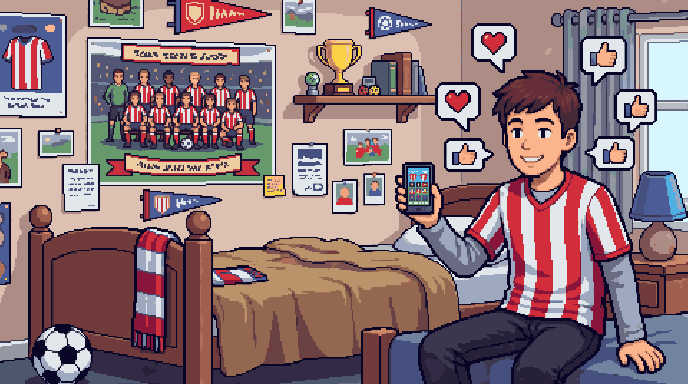
This guide explains the “Sharing & social media” screen in Gaffer's Desk, the free football manager in your browser. Turn your successes into pictures and videos for WhatsApp, Instagram, Discord and more.
Terms
- Squad poster
- Your squad in club colours with your crest, in five formats (poster, story, feed, square, widescreen). The players stand differently every time. Click the crest or the kit on the dashboard.
- Share cards
- Picture cards for a result, a title, the table and your stadium - via the share button at each place.
- Public link
- Shows a preview in messengers and social networks. Whoever clicks lands on the start page - with your invitation code.
Good to know
- In the share window you can save the picture, share it directly or copy the link and text.
- A shared link stays valid for 90 days. You can upload up to 10 new cards per hour.
- Edit videos in the Editing studio - there you can also add posters, result and title cards as clips.
Try it yourself: found your club for free in your browser.
Play for free